
Overview
The vendor payout section allows you to review orders made for your shop and how much money you’re due to be paid out.
Pay Out Table
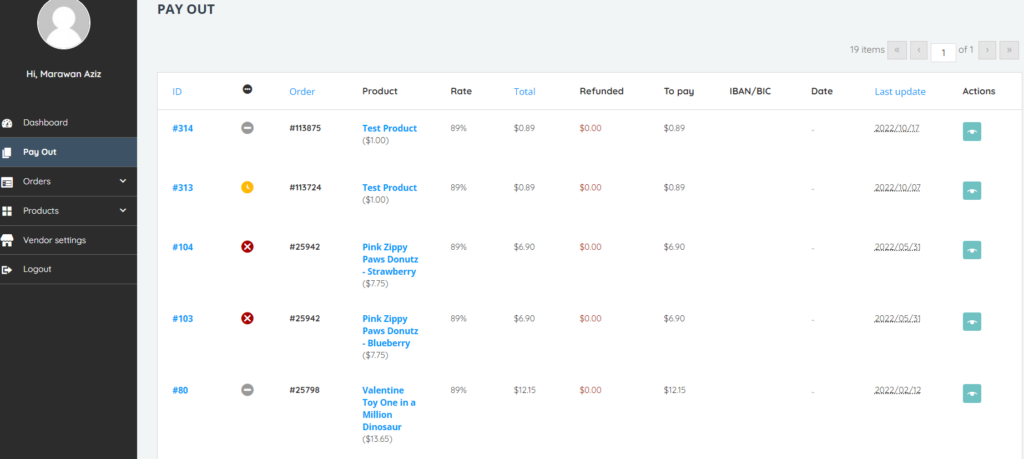
The pay out table displays the following columns:
- ID – Internal Order ID Number
- Status – Status of the order which can be pending, unpaid, cancelled
- Order – Customer Facing Order ID Number
- Product – The product included in the order (including product price)
- Rate – Vendor Revenue Percentage
- Total – Amount owed to the Vendor
- Refunded – Amount Refunded
- To Pay – Product Price multiplied by the total amount owed to the vendor
- IBAN/BIC
- Date
- Last Update – The date and time when the order was last updated
- Actions
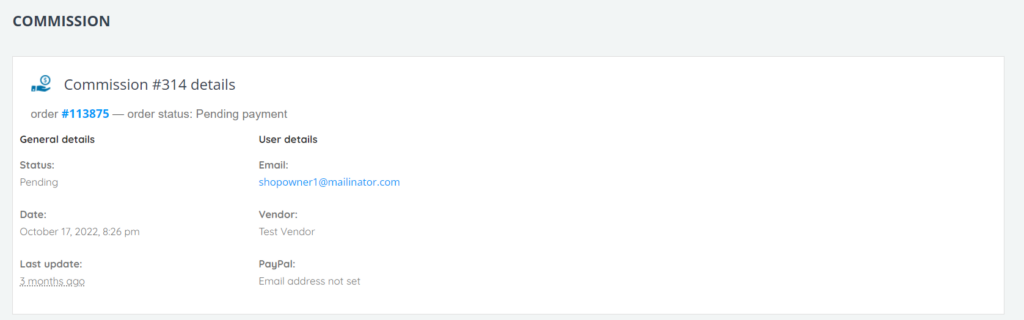
- View – This action opens up a Commission details page displaying the commission number, order ID, and order status. The view page includes these sections:
- General Details – Order status, order date and time, and last update.
- User Details – Vendor user email, vendor name, and PayPal email address.
- View – This action opens up a Commission details page displaying the commission number, order ID, and order status. The view page includes these sections:
-
-
-
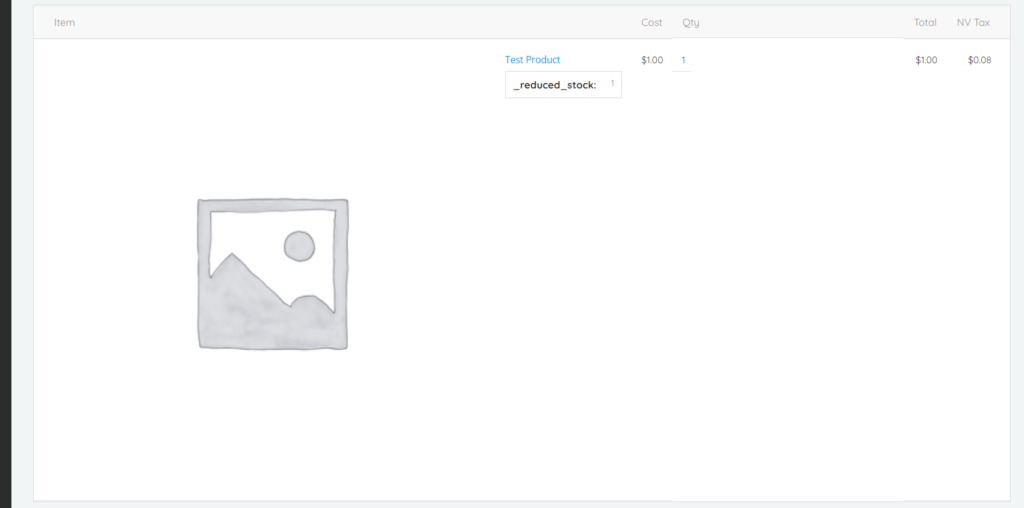
- Order details including product item and image, Cost, Qty, Total, NV Tax, Rate, Commission, and Total.
-
-

-
-
-
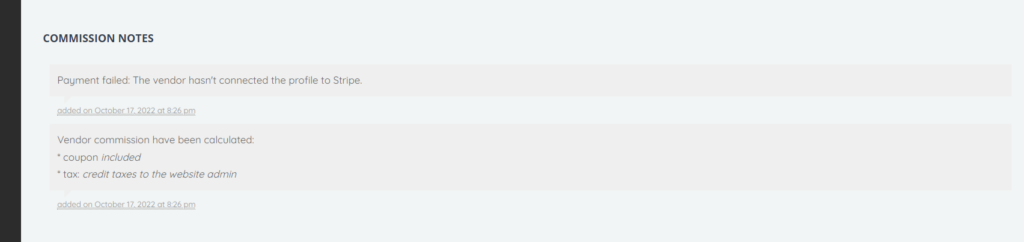
- Commission notes
-
-