

Overview
The vendor settings general tab allows the user to edit general vendor information.
Store General Information
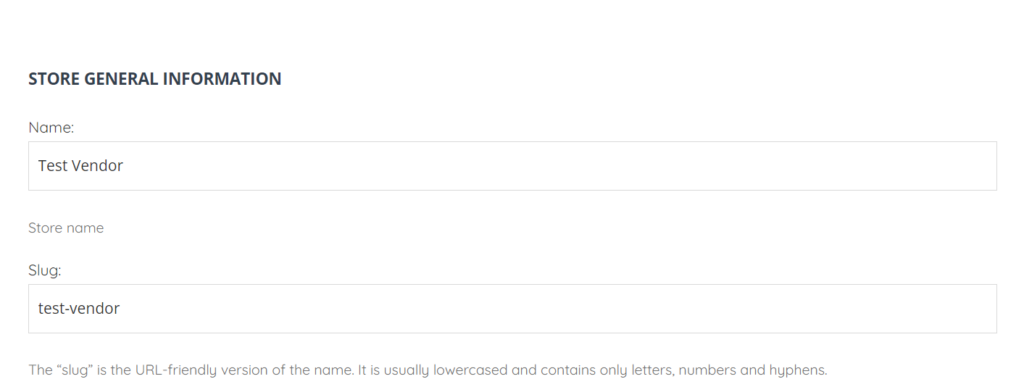
The Store General Information section allows the user to edit the vendor name and slug (the name which appears in URL).
Store Capability and Rate
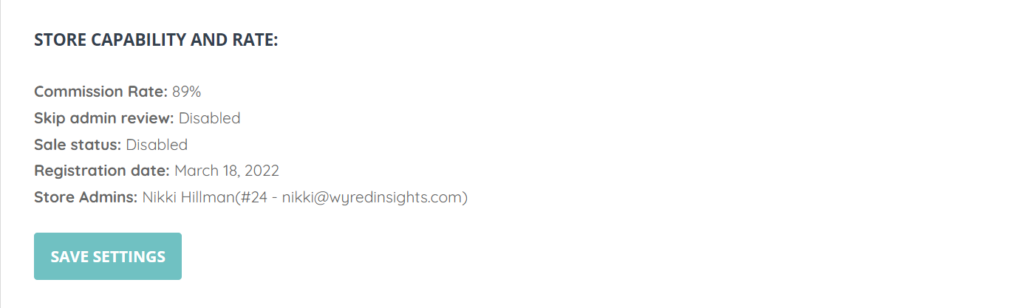
The Store Capability and Rate allows the user to view the following vendor fields:
- Commission Rate
- Skip admin review
- Sale status
- Registration date
- Store Admin
Vendor Business Hours
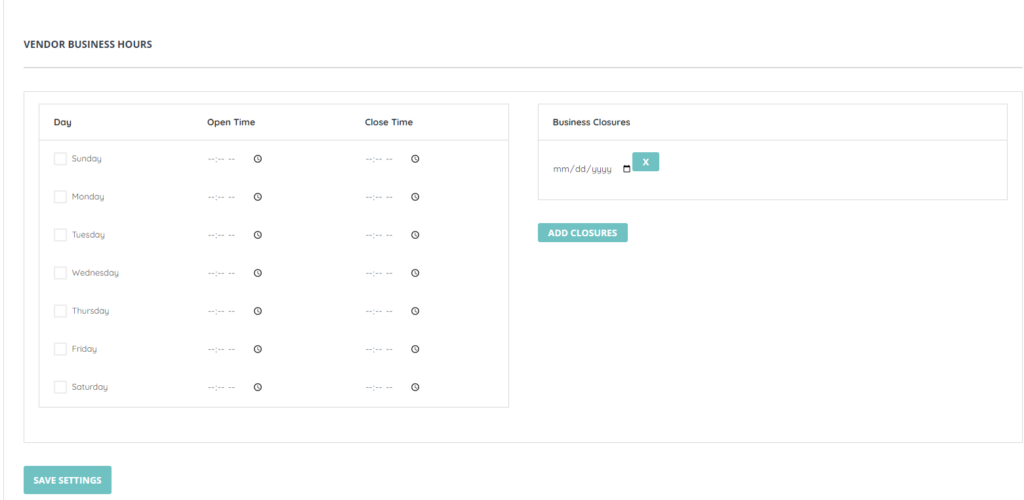
The Vendor Business Hours section allows the user to edit the vendor working hours per each day as well as add closures.