

Overview
The vendor settings front page tab allows the user to edit vendor information displayed in the front page.
Vendor Shop Page Information
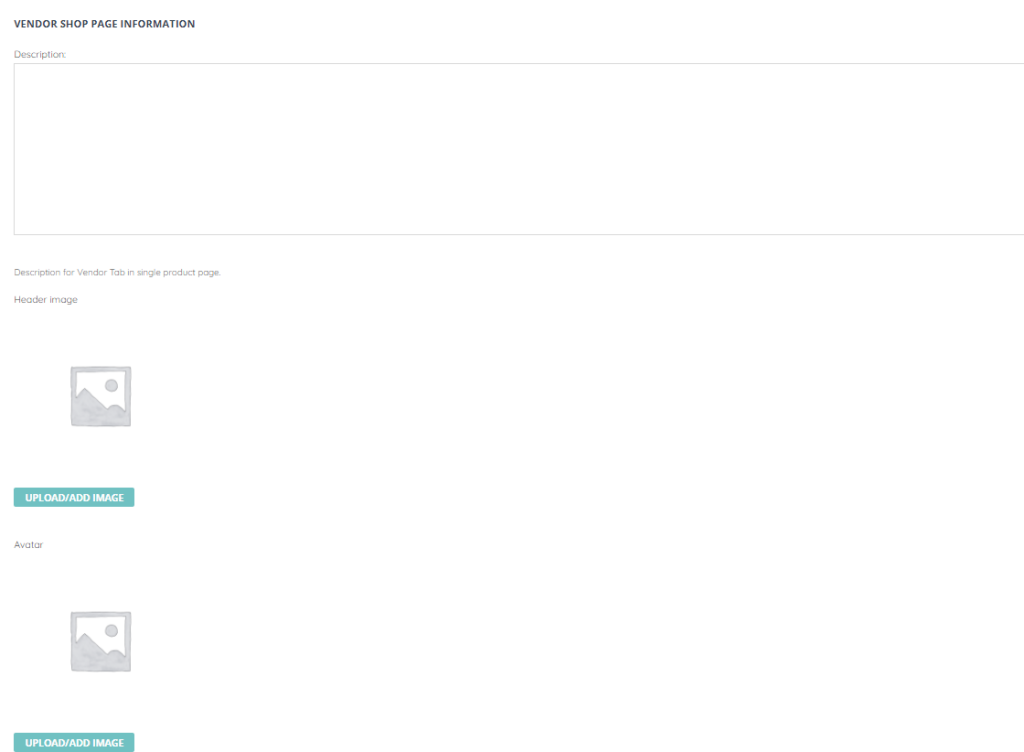
The vendor shop page information section allows the user to edit the following fields:
- Description – The vendor description
- Header image – The vendor header image
- Avatar – The avatar which will be displayed for the vendor
Contact Information
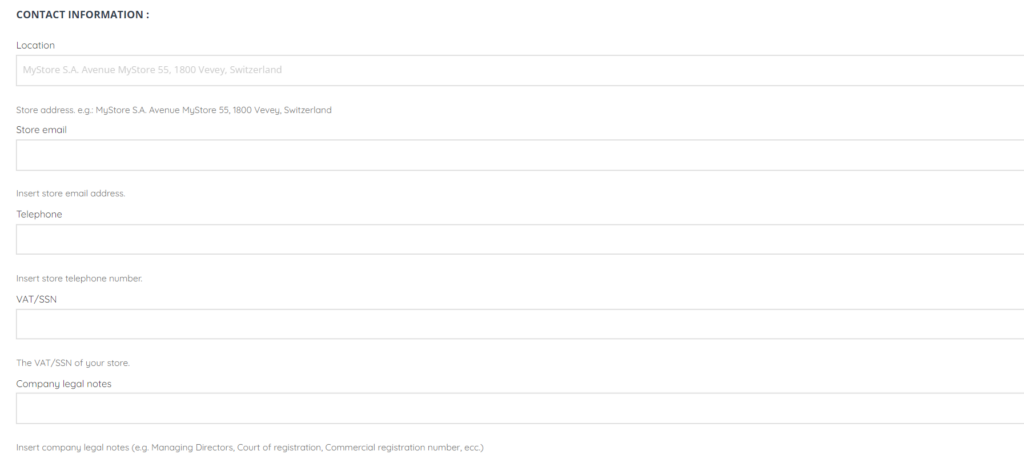
The vendor contact information section allows the user to edit the following fields:
- Location – The store address
- Store email
- Telephone – The store telephone number
- VAT/SSN – The store VAT/SSN
- Company legal notes – Any legal notes associated with the vendor company
Social Profile
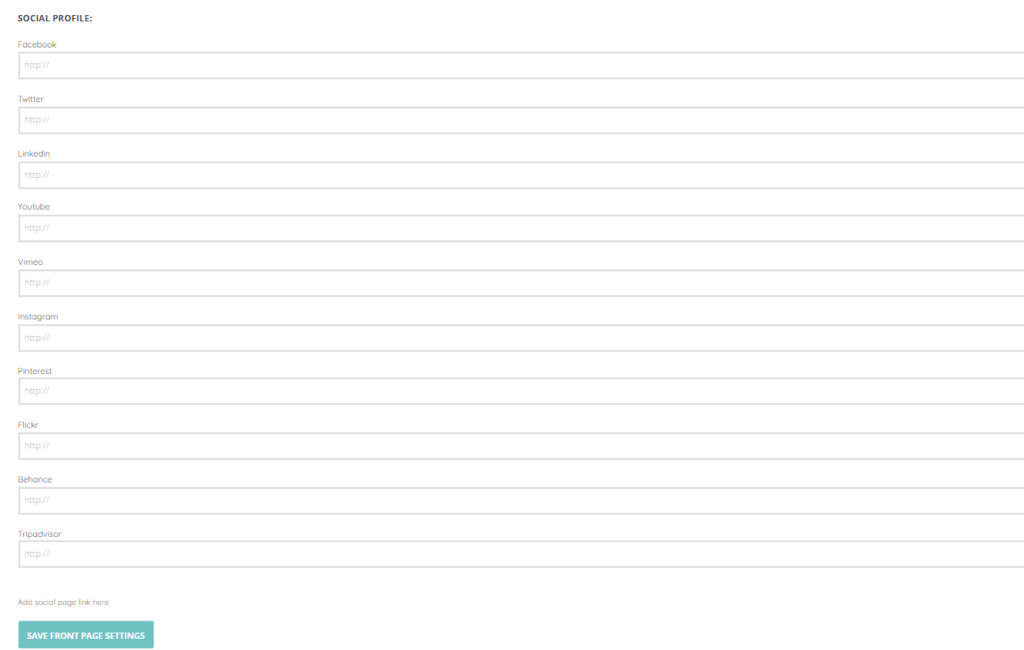
The vendor social profile section allows the user to edit the social page URL of the following social pages:
- YouTube
- Vimeo
- Flickr
- Behance
- Tripadvisor