
Overview
The bukit.com Shopify sync allows for vendor product data to be automatically added and updated in bukit.
How to Setup Shopify Sync
The bukit team will complete the following steps to request access to your Shopify store. All you will need to accept our invitation to access your store.
Request Collaborator Access from Client
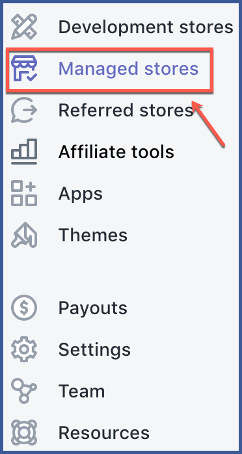
You can request access by visiting “Manage Stores” from the left column.
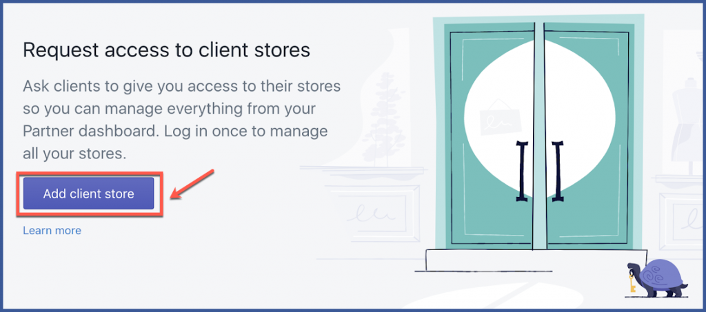
Step 1: Request Access by navigating to “Manage Stores” and selecting “Add client store.”
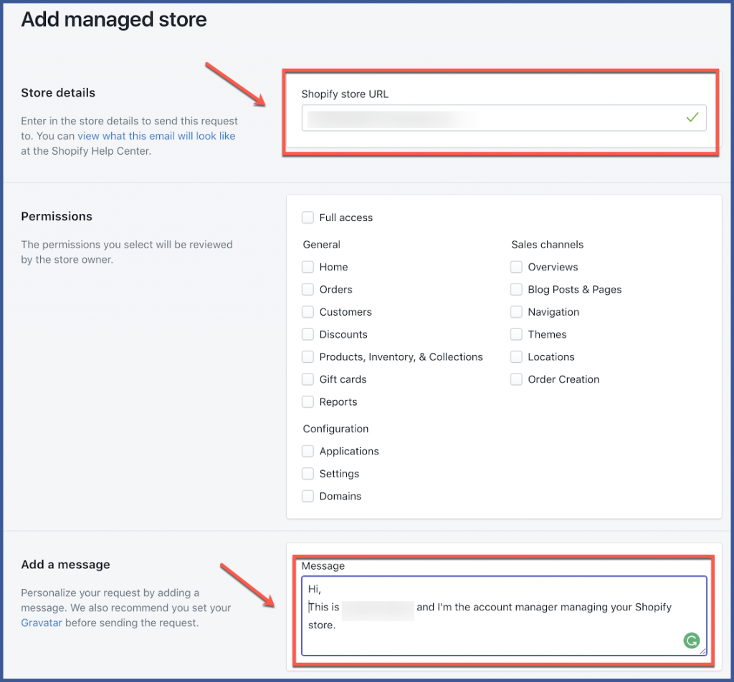
Step 2: Enter Store URL, Set Permissions, and add a message.
Permissions: Products, Inventory & Collections, Applications, Settings
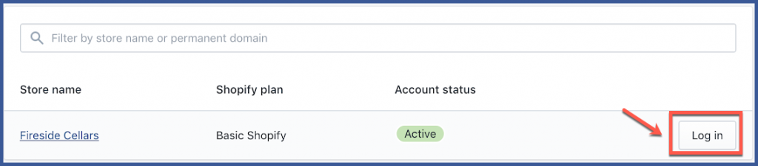
Step 3: You’re done! You can access your client’s store by logging in.